
Codex and your Mac, at a glance.
Download free BetamacOS 15+ · Apple Silicon / Intel · 13.74 MB
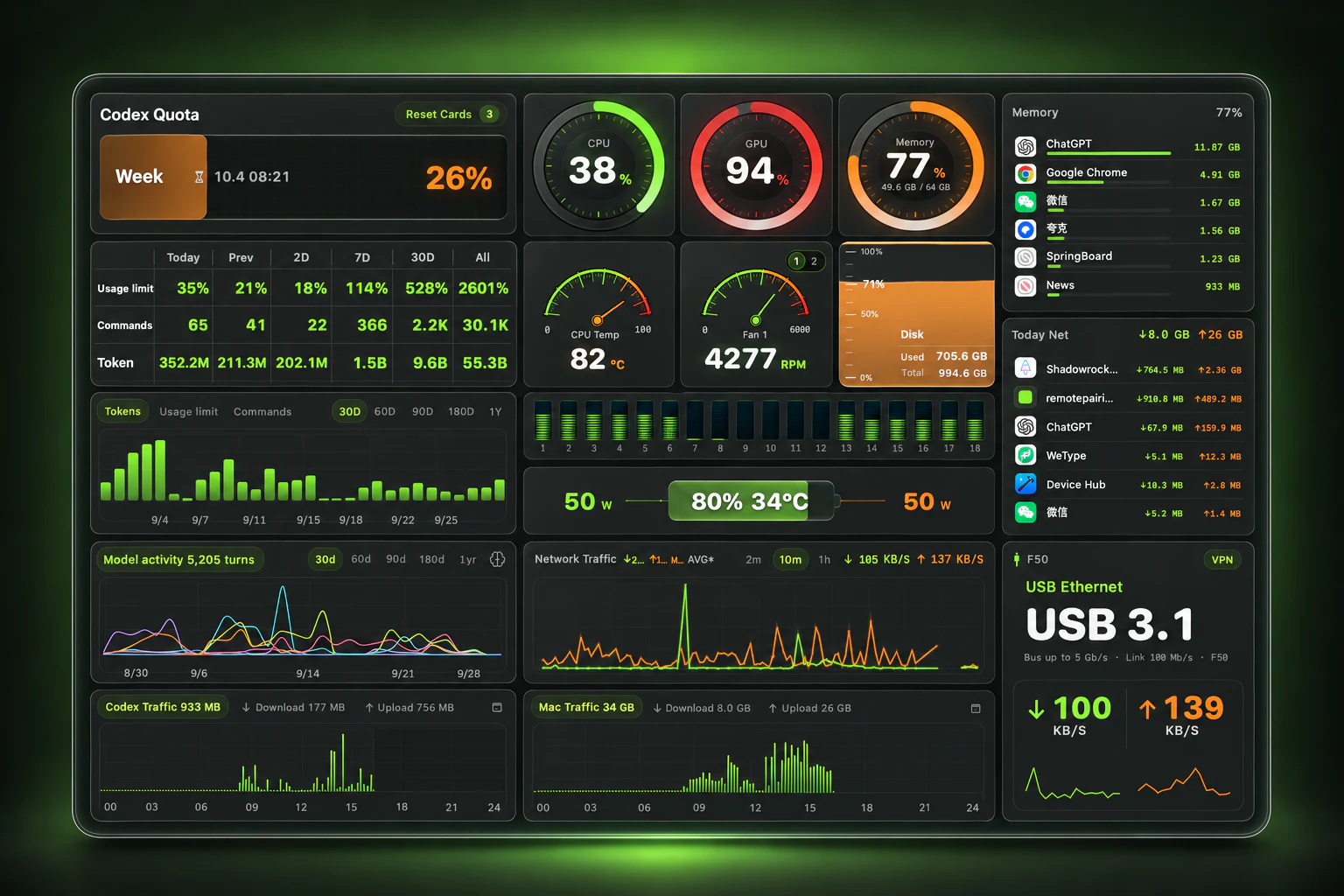
AI-enhanced presentation based on the actual interface · App details and data may differ
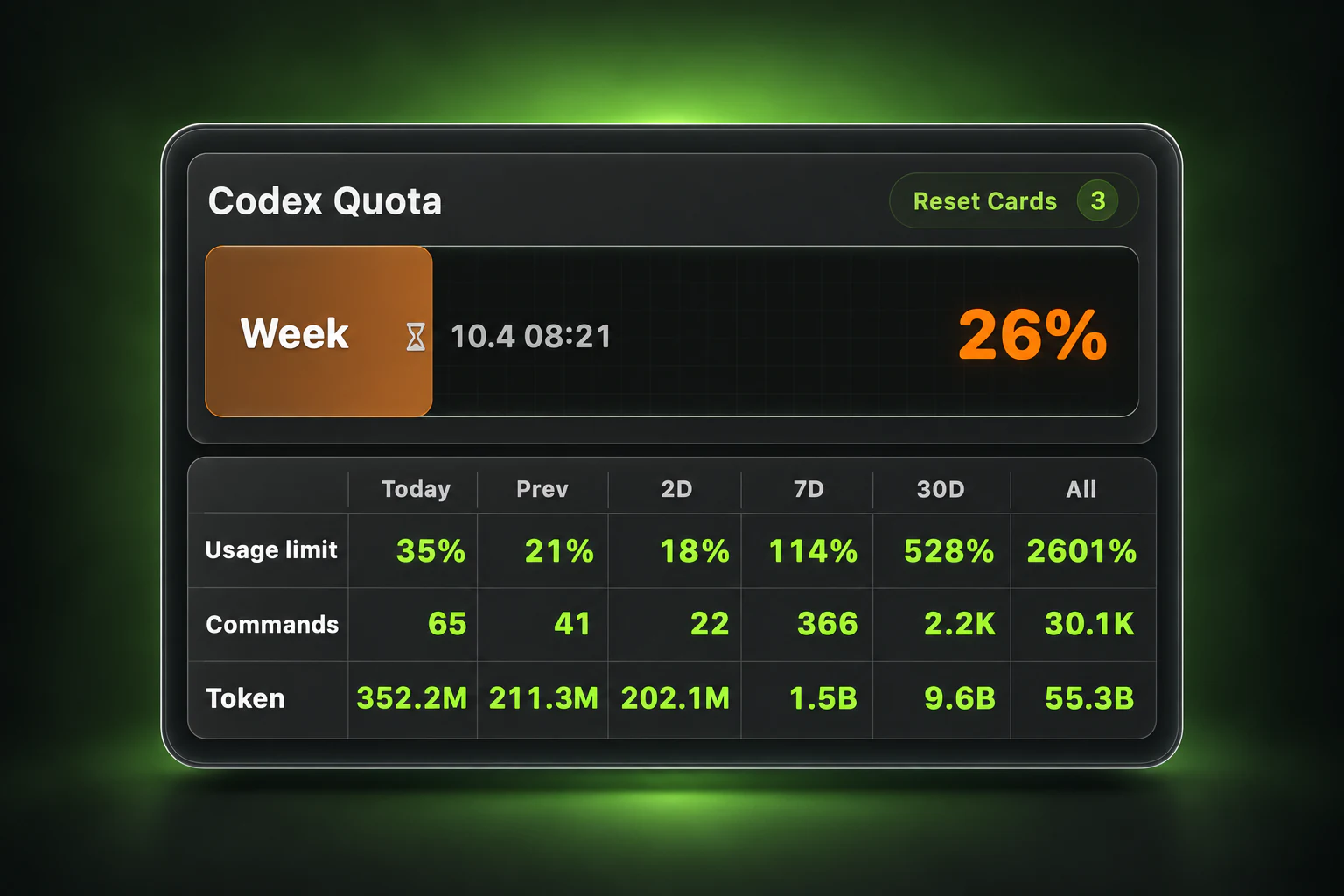
Clear quota. Cards worth keeping.
Keep track of quota and reset times, and revisit synced cards you've used as keepsakes from your Codex sessions.
- Week and 5H windows, when available.
- View issue and expiry dates, plus used and expired cards.
More than a reset card. A keepsake.
Used, but still worth keeping. Revisit synced used and expired cards as a record of your time with Codex.
Every card's timing, clearly shown. See issue and expiry times, plus remaining validity, right on the card.

Enhanced card presentation in the Chinese interface. Check the app for issue and expiry records.
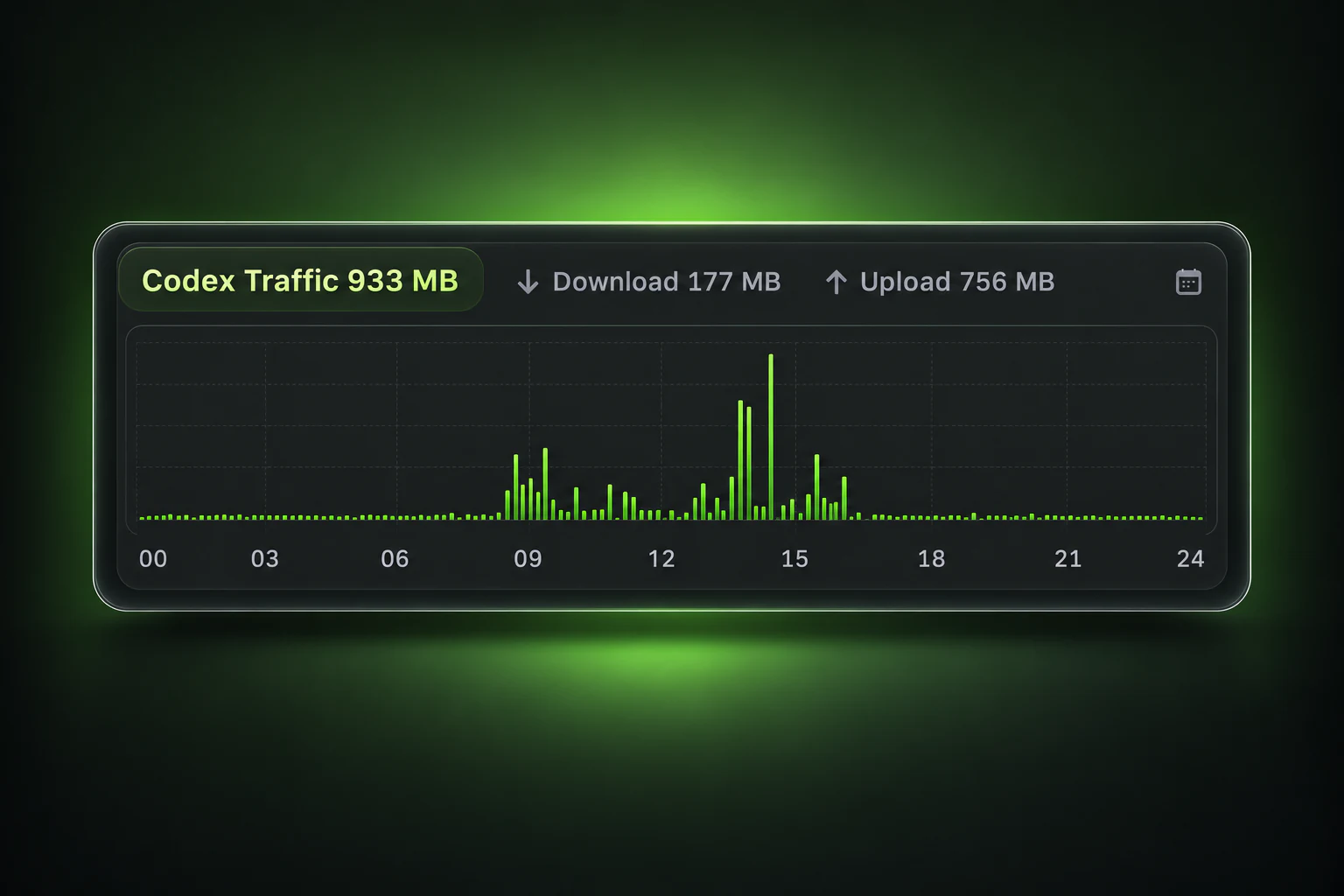
Codex network activity
See observed traffic from local ChatGPT, Codex, and identified task processes together.
- Separate download, upload, and total views.
- Revisit recorded traffic by date.
Know how your Mac is doing
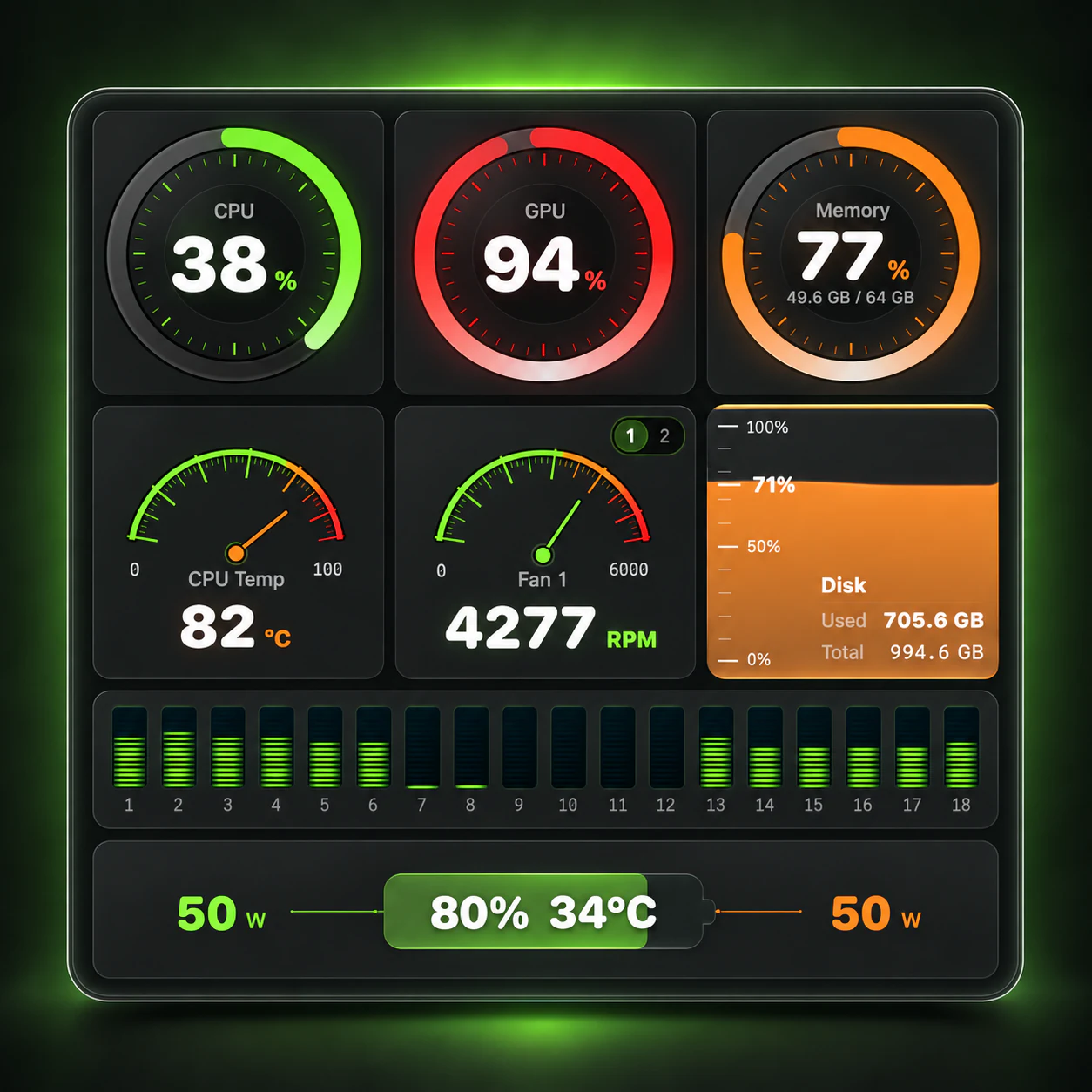
Keep CPU, GPU, memory, and disk status together while you work.
- Inspect CPU core load and process memory.
- See available battery, temperature, and fan readings.
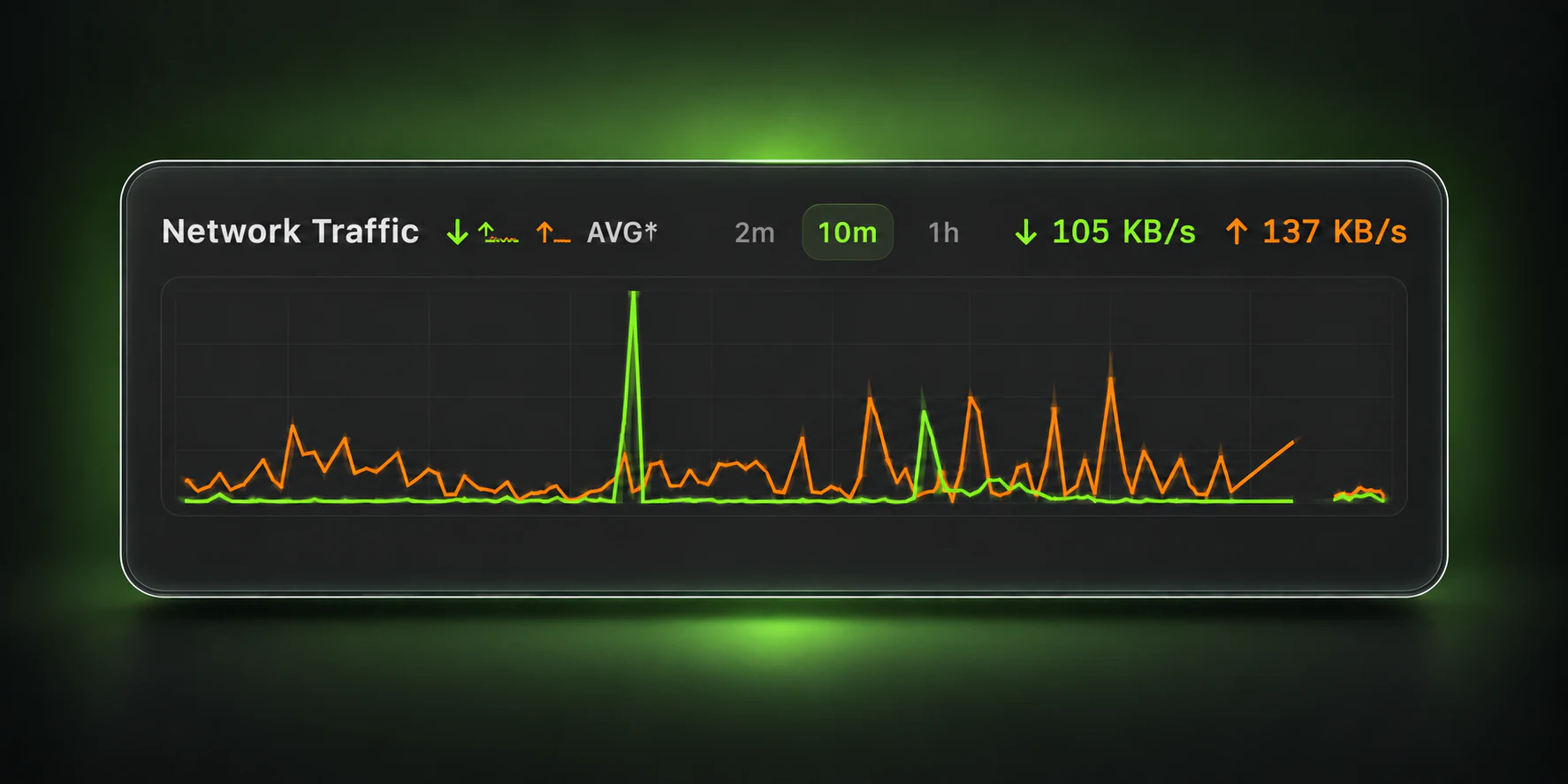
See your network change in real time
Compare upload, download, and average speeds to spot bursts and sustained transfers.
- Switch between 2m, 10m, and 1h.
- Hover for sample time and speed.
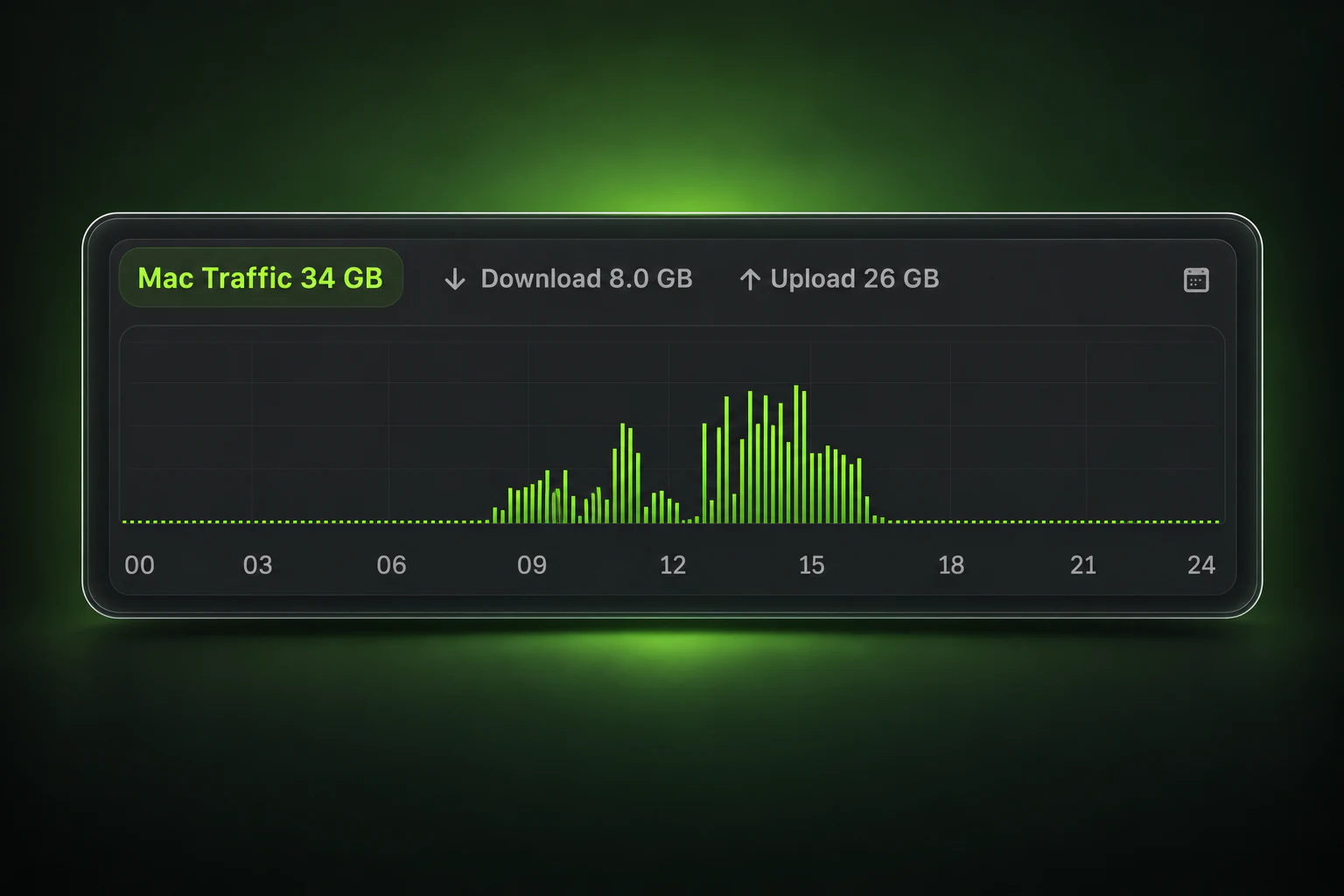
See the day’s recorded traffic
Review recorded Mac traffic by day, with total, download, and upload views.
- Revisit days with recorded data.
- Spot the busiest periods.
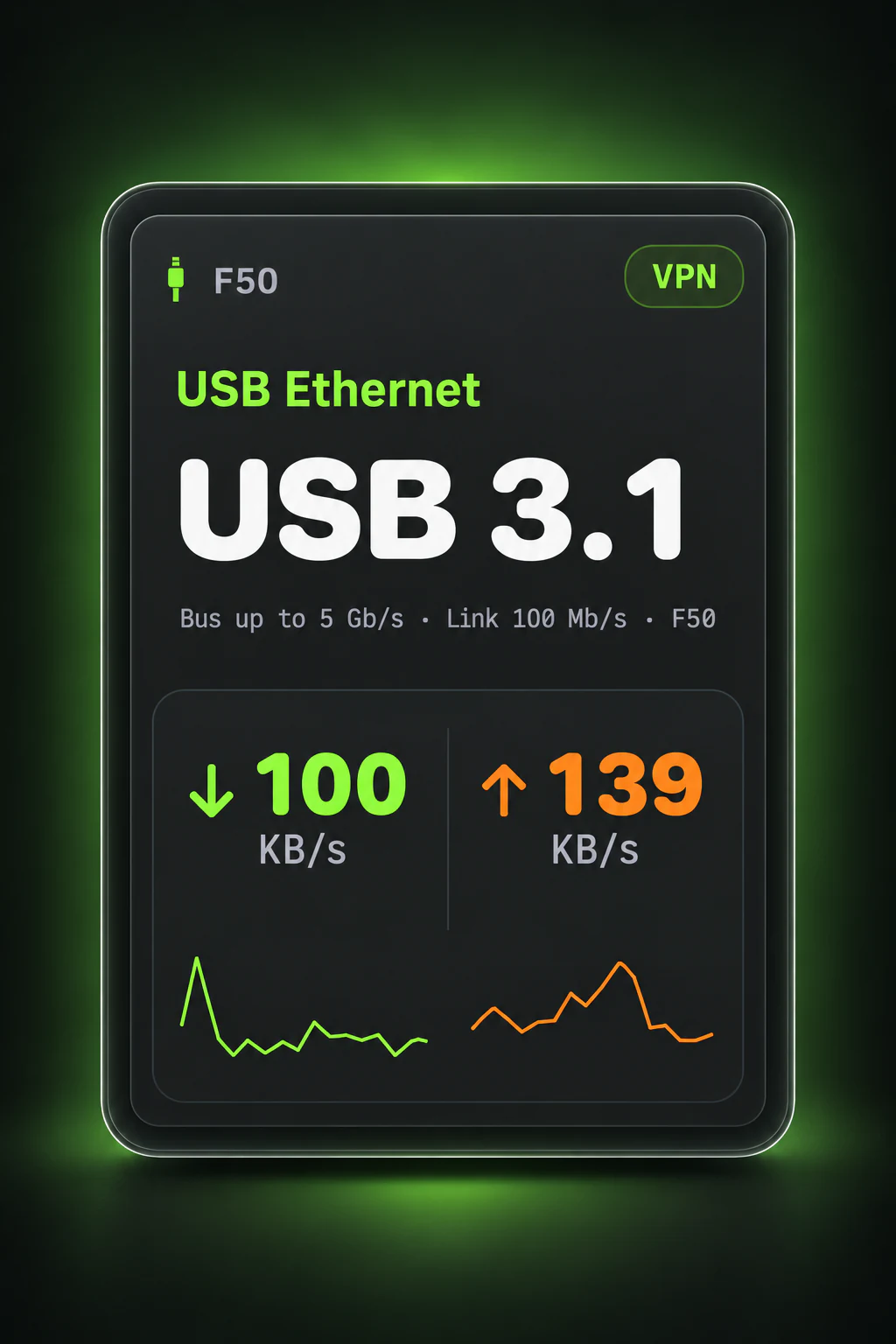
Know which connection you’re using
See connection type, link details, and current speeds together, from Wi-Fi to external adapters.
- View available Wi-Fi and wired-link details.
- See detected VPN interface status.
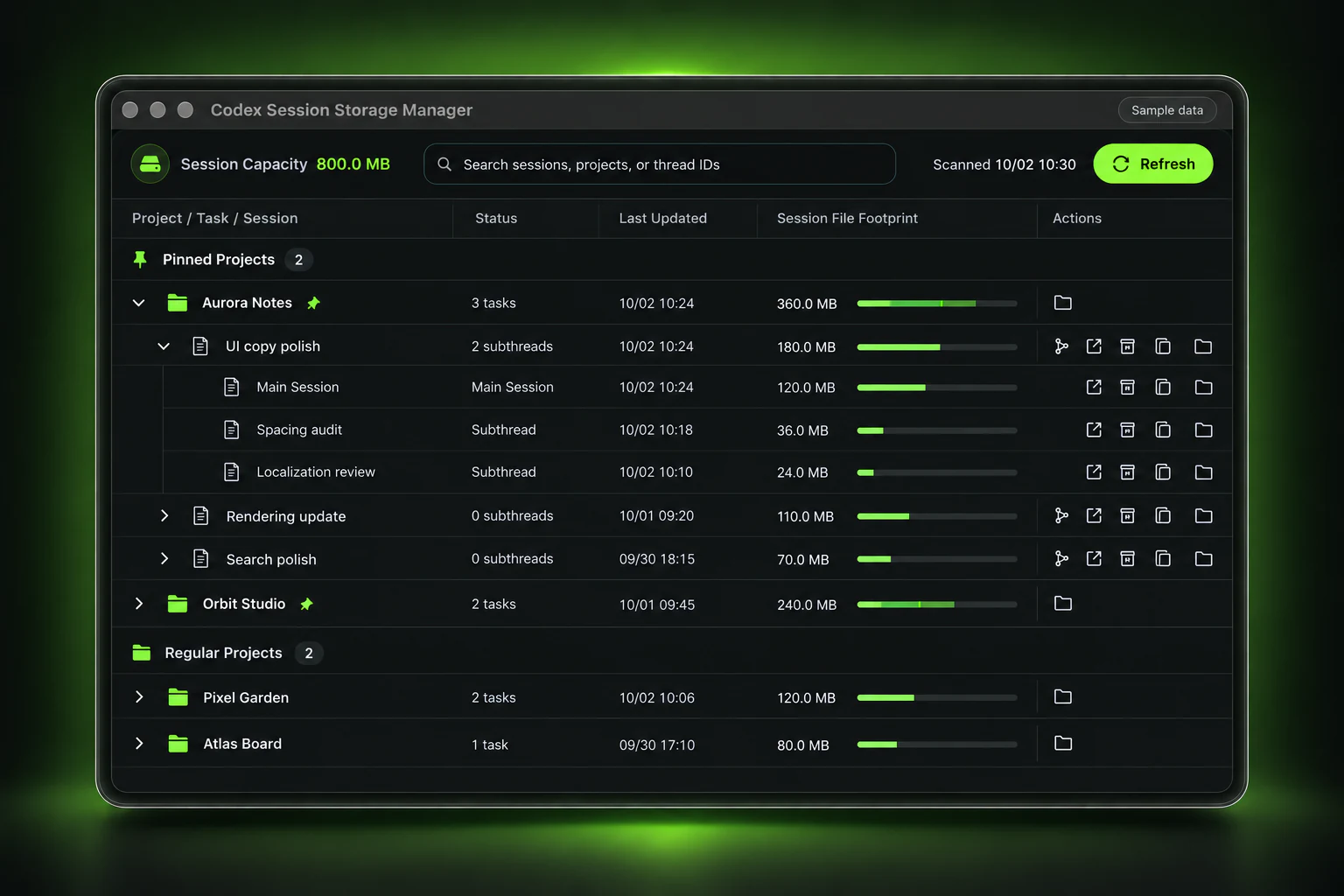
See what your Codex sessions take up
Review local, unarchived session storage by project and task, and find the larger sessions.
- Explore storage usage across projects, tasks, and session files.
- Read-only scans, manual refresh, and search.
About data sources and measurement scope
Reset cards and timestamps depend on official records that can be synchronized. CodexBro displays them; it does not execute a quota reset or infer missing card history. Retention is not a guarantee of permanent cloud backup or complete lifetime history. Unknown dates remain unknown.
Codex traffic is observed local process traffic. It is not guaranteed to include every process, traffic before collection, or cloud traffic, and it is not proxy-node billing traffic.
Mac traffic is recorded across enabled non-loopback interfaces. It can include LAN and virtual-interface traffic, and VPN traffic can appear at multiple network layers. It is not an ISP invoice or a lifetime device total.
Recent speed history is retained while the app runs. Average speeds use covered sampled time; unobserved time is not counted as zero.
Sensor availability depends on hardware and OS support. Enhanced thermal readings may require optional local administrator approval. A VPN indicator means a detected interface, not proof that every app is proxied or a node is reachable.
Storage management reads metadata for indexed, local, unarchived Codex session files and reports logical file sizes. It does not read chat content or upload scan results. This is not the disk usage of the entire app, its caches, projects, or ChatGPT. Archiving is not deletion and usually does not free disk space.

Getting started
- 01
Download and open the DMG, then drag CodexBro into Applications.
- 02
Open CodexBro to check the menu bar or expand the dashboard.
Installer details and verification
1.0.4 · 13.74 MB
- SHA-256
f2ae4ffd46d60a679603ad08537a522be679de147bd75de5de72860f2605b2f6